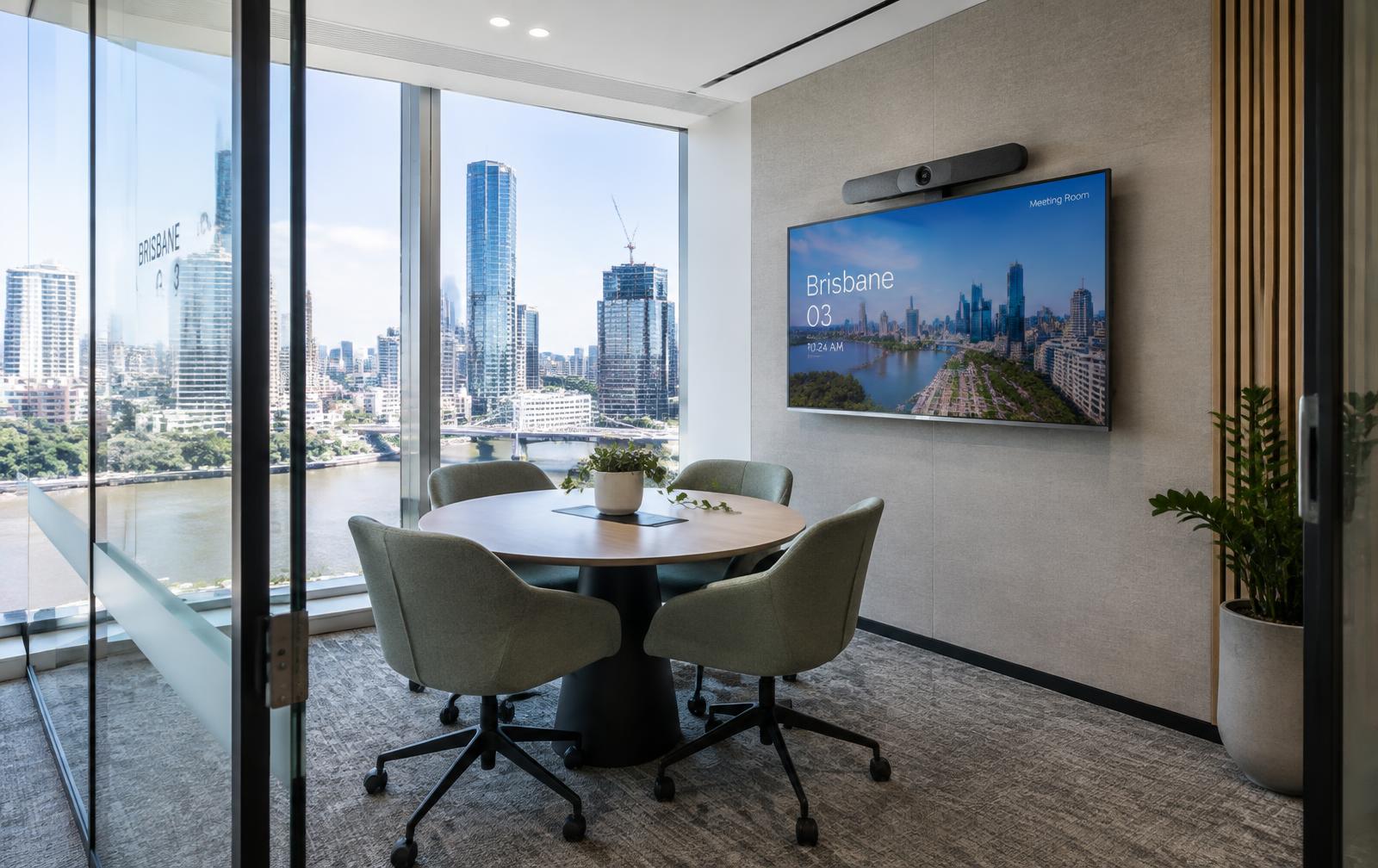
Dedicated rooms vs BYOD
A dedicated room has its own compute and platform licence: walk in, tap join. A BYOD room uses the room camera, microphones and speakers via a cable or wireless link from the user's laptop — flexible for guests and multiple platforms, but dependent on the laptop.
What we look at
- Room size, shape and seating
- Platform(s) your organisation uses
- Current hardware certification for that platform
- Network, power and cabling paths
- Device management and licensing
- Acoustics and lighting for camera quality
How commissioning works
Every system is tested against an agreed functional checklist before handover: display calibration, camera framing, microphone pickup at each seat, echo cancellation, speaker levels, control panel logic, content sharing from typical guest laptops and platform sign-in.
We document the as-built configuration, label cabling and equipment, walk your team through day-to-day use and leave a simple quick-start guide in the room.
Dedicated room vs BYOD at a glance
| Consideration | Dedicated room | BYOD room |
|---|---|---|
| Joining a meeting | One tap from the room console | Join on laptop, select room peripherals |
| Platform flexibility | Optimised for one primary platform | Works with whatever runs on the laptop |
| Licensing | Room licence/subscription usually required | Uses the user's own account |
| Guest friendliness | Guests may need to be invited | Guests can host from their own device |
| Consistency | Highly consistent experience | Varies with laptop and drivers |