The problem we solve
Most frustration in hybrid meetings comes from a handful of predictable issues: remote participants who can't hear people at the far end of the table, cameras that only see half the room, cable spaghetti for laptop sharing and control systems nobody understands. These are design problems, and they are solved before a single bracket goes on the wall.
Room types we design
Screen sizes are illustrative. Final sizing is determined by viewing distance, room layout, content type and how the space is used.
- Huddle rooms (2–4 people): typically a 43–55-inch class display with an integrated video bar and one-touch join.
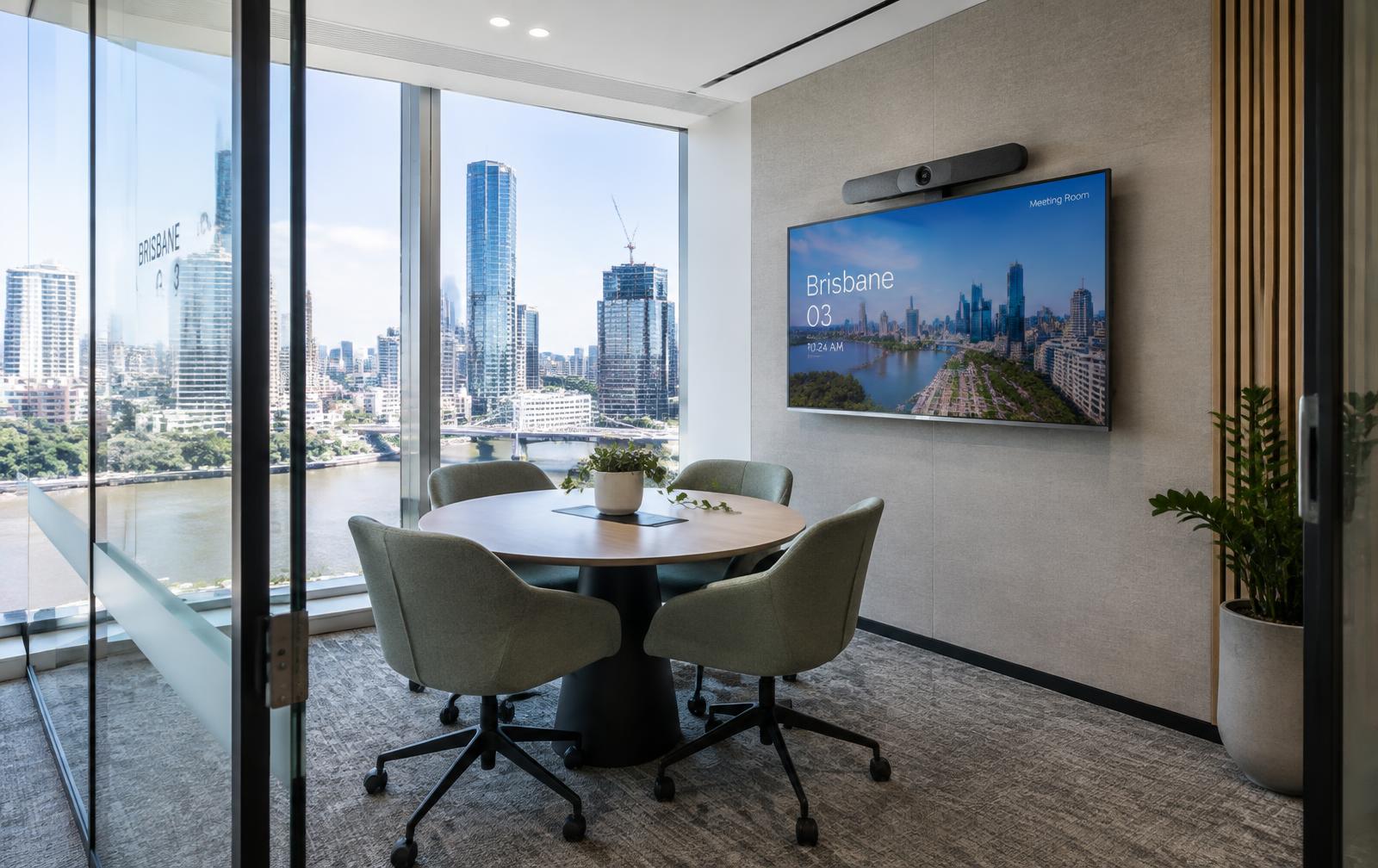
- Small meeting rooms (4–6): 55–65-inch class display, suitable video bar and table or expansion microphones where needed.
- Medium rooms (6–10): 65–75-inch class display, intelligent framing camera, improved room audio and optional dual screens.
- Large boardrooms (10–16+): dual or larger displays, separate PTZ or multi-camera arrangements, ceiling microphone arrays, DSP, ceiling speakers and touch control.
- Divisible training rooms: multiple audio zones, source switching and room-combine control.
What goes into the system
- Displays sized for the furthest seat
- Cameras placed for sightlines and natural eye contact
- Microphones with echo cancellation suited to room size
- Speakers positioned for even coverage
- Wired USB-C/HDMI and wireless presentation
- Touch controllers and room booking panels
- Structured cabling coordination and secure mounting
- Acoustic treatment advice where reverberation is an issue
Accessibility and security
We consider hearing augmentation, clear control labelling, cable-free table space and appropriate device security — including firmware management and separating room devices on the network where your IT team requires it.
How commissioning works
Every system is tested against an agreed functional checklist before handover: display calibration, camera framing, microphone pickup at each seat, echo cancellation, speaker levels, control panel logic, content sharing from typical guest laptops and platform sign-in.
We document the as-built configuration, label cabling and equipment, walk your team through day-to-day use and leave a simple quick-start guide in the room.
Frequently asked questions
Can you standardise rooms across multiple floors or sites?
Yes. We design a small set of room standards (for example huddle, medium and boardroom) so every space feels familiar and is easier to support.
Do we need a dedicated Teams or Zoom room?
Not always. BYOD rooms suit flexible, guest-heavy use; dedicated rooms suit frequent internal meetings. We explain the trade-offs on our platform pages.
How long does an installation take?
A single huddle room can often be completed in a day once equipment and cabling are ready. Larger fit-outs are scheduled around your builder and access windows.